

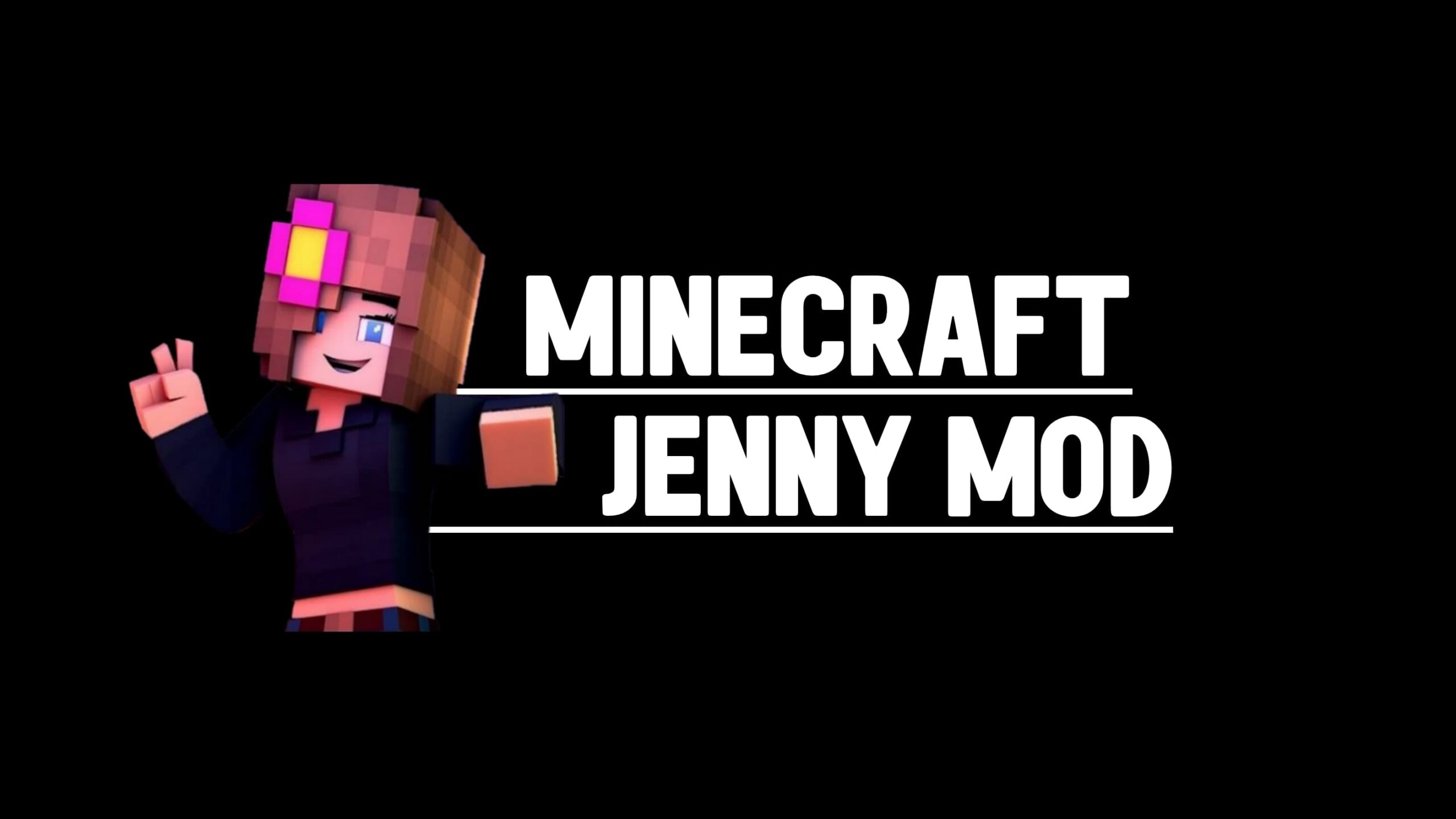
Jenny Mod Animations and GIFs in Minecraft
When I first used Jenny Mod, the biggest difference I noticed was movement. In Minecraft, most characters feel stiff and predictable. Here, animations change that completely. Movement, reactions, and expressions feel active, not static. This is what makes the mod stand out visually.
What Jenny Mod Animations Actually Are
Animations in this mod are not small visual tweaks. They replace how characters move and react in real time. Instead of basic motion, everything feels more fluid and responsive.
How animations differ from normal Minecraft movement
In normal Minecraft, characters slide or move with simple patterns. There is no depth in motion. I noticed that here, movement is broken into parts. Legs bend, arms swing naturally, and transitions between actions feel connected. This removes the stiff, block-based feel.
Smooth motion and non-blocky character behavior
The motion feels smoother because it is designed to look continuous. I saw that walking, turning, and stopping all flow into each other. Characters don’t snap between positions. This creates a more natural presence in the world.
Why animation is the core visual identity
Without these animations, the mod would feel like a simple add-on. I noticed that most of the visual impact comes from how characters move, not just how they look. The animation system is what defines the overall feel.

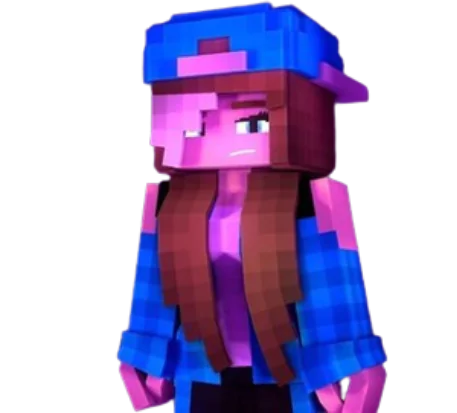
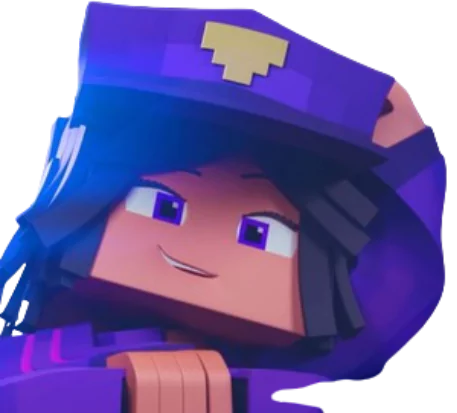
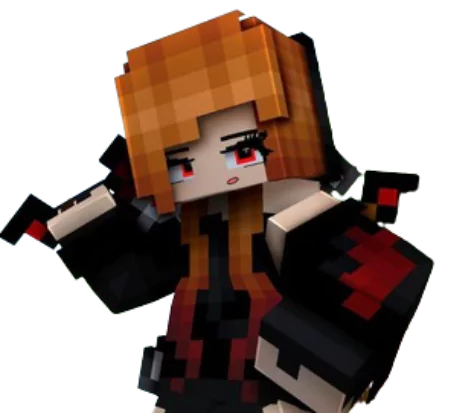

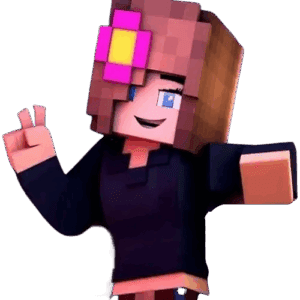
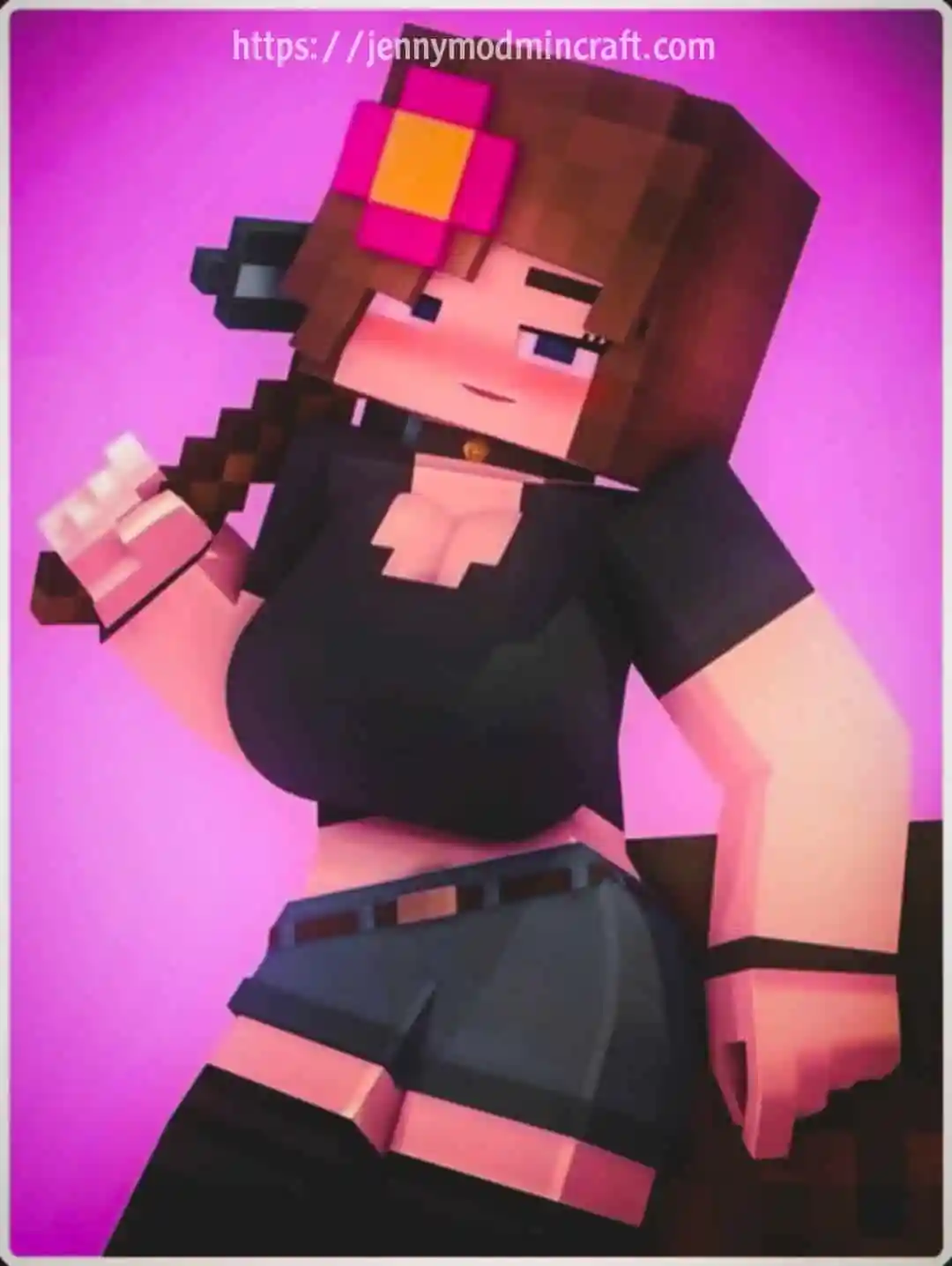
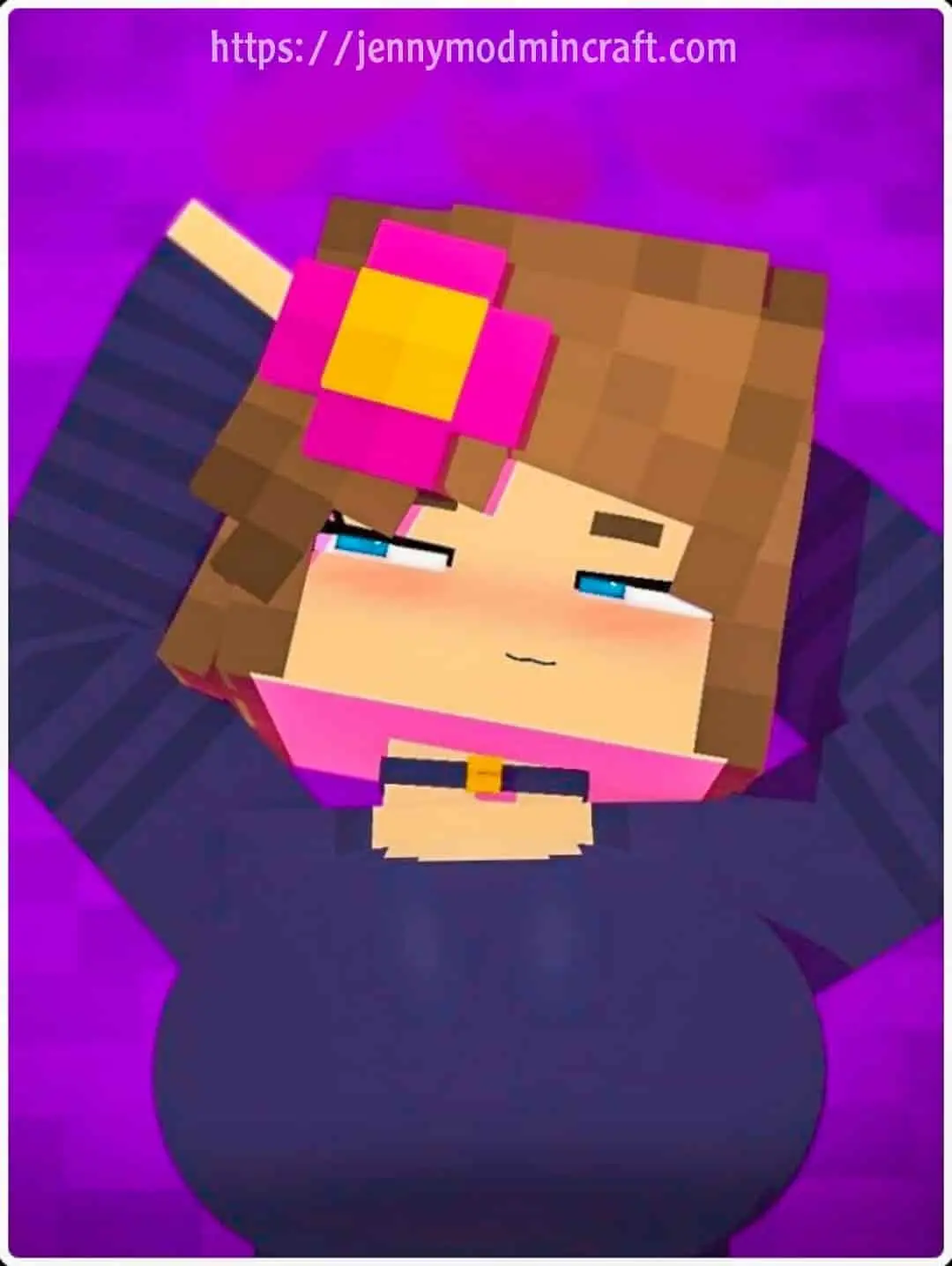
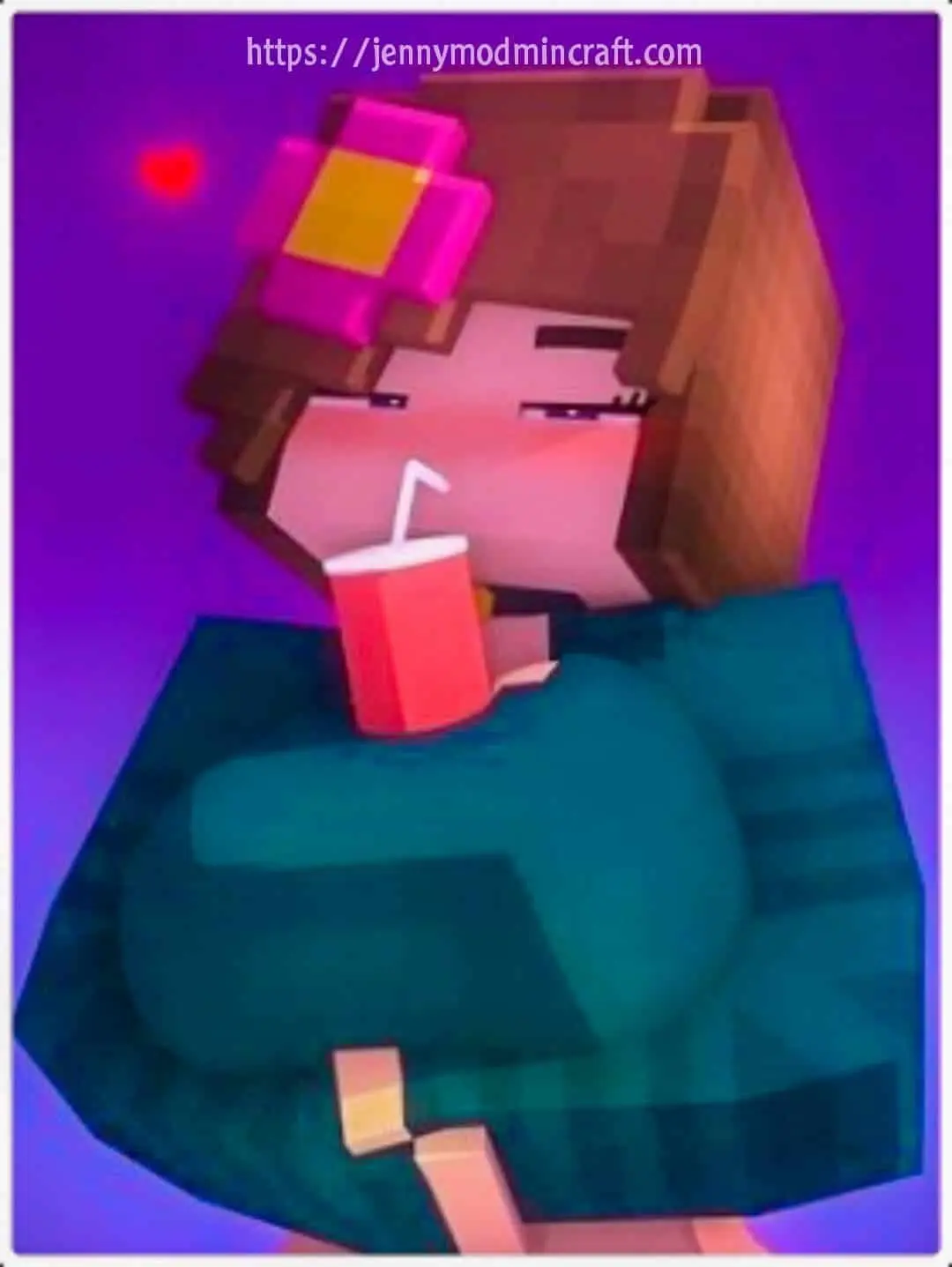
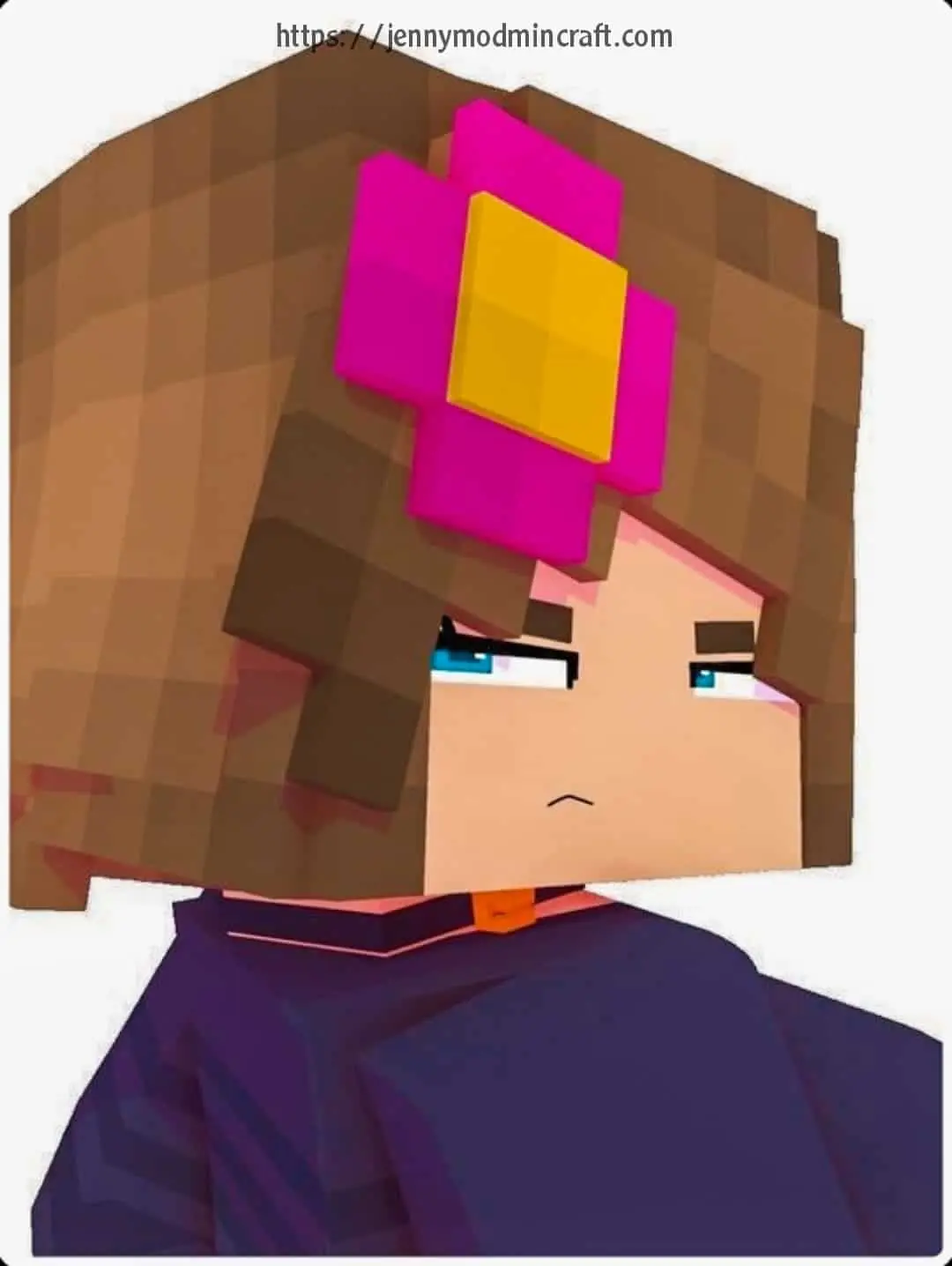
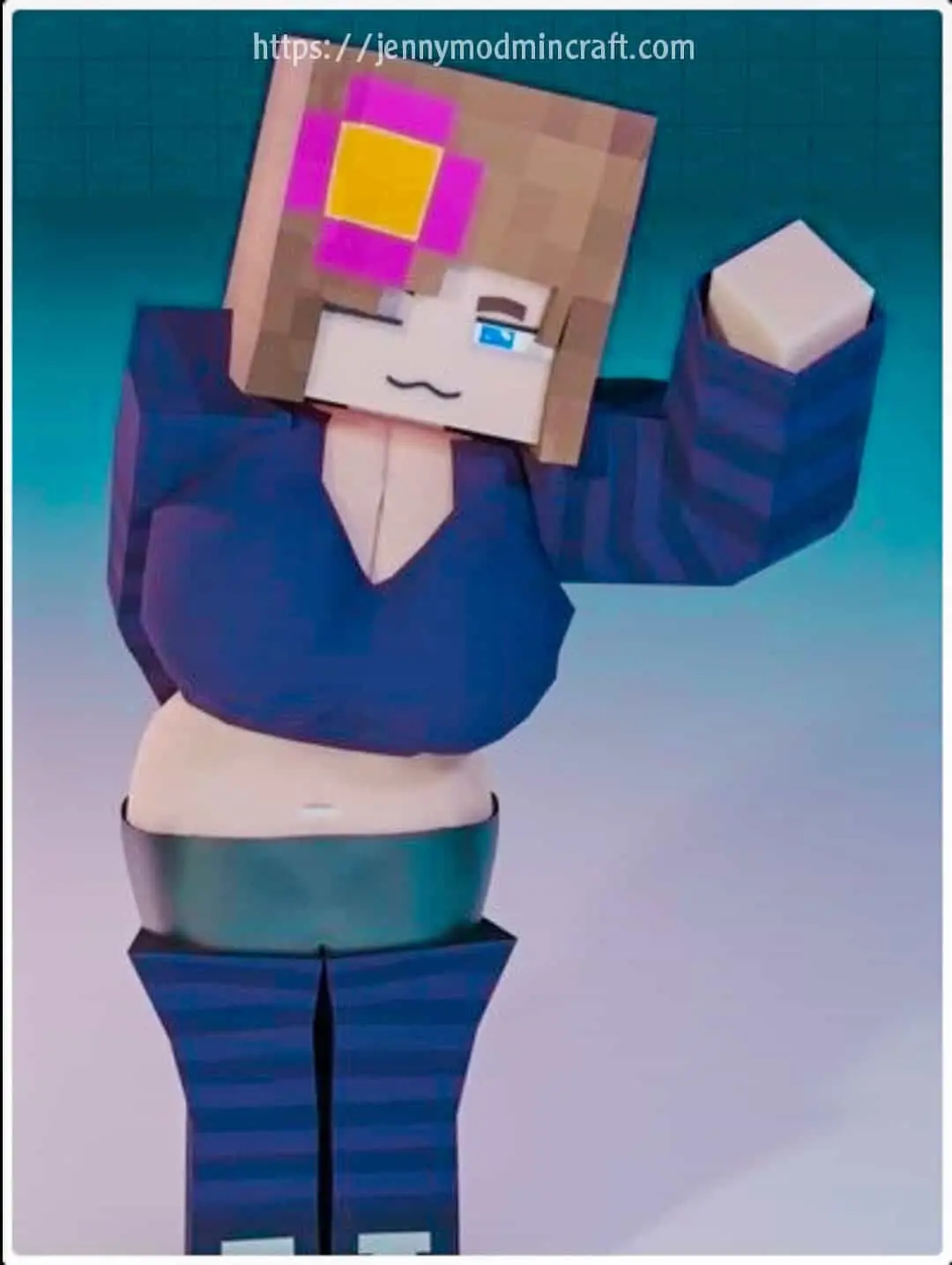
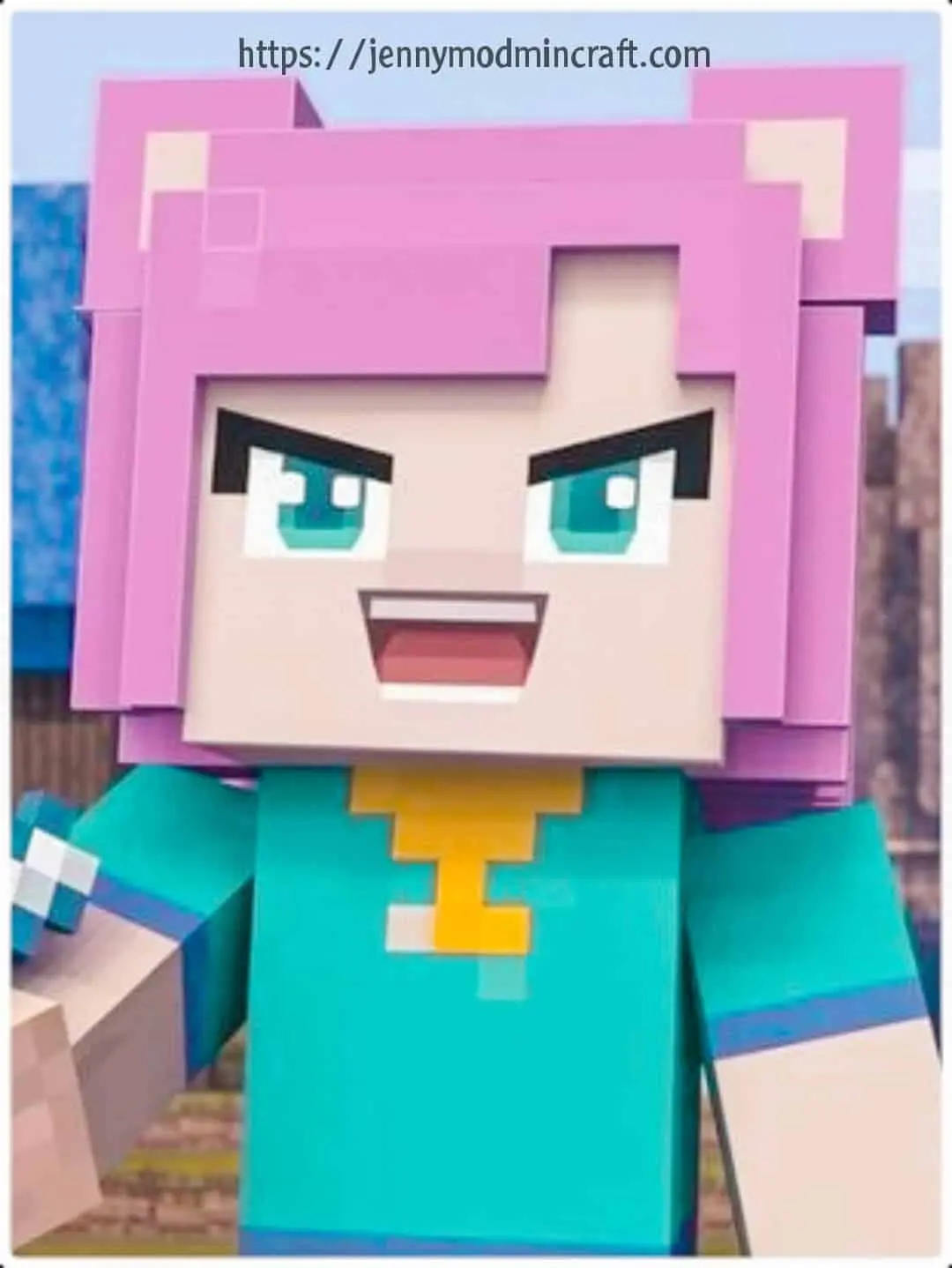
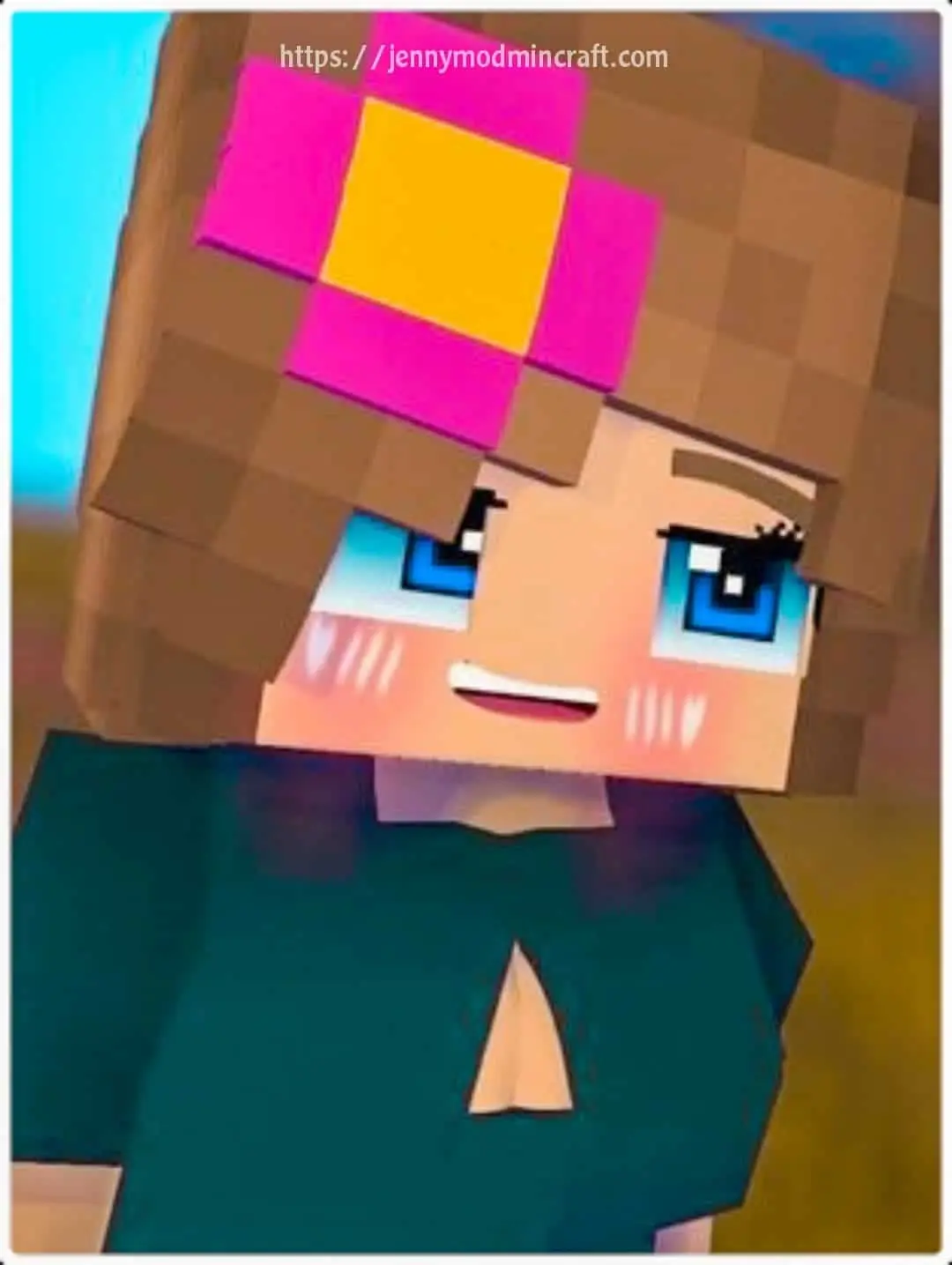
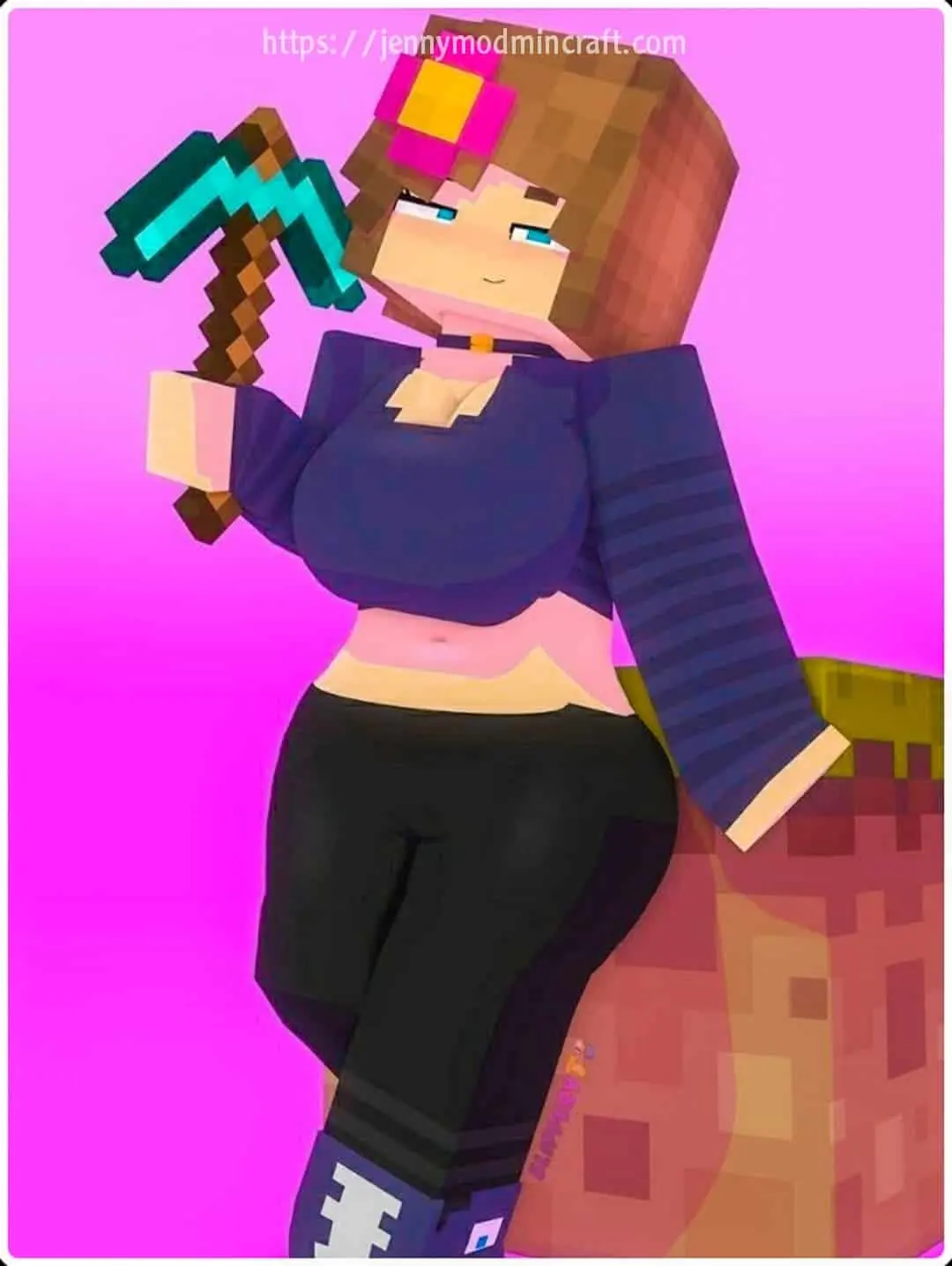
Types of Animations in Jenny Mod
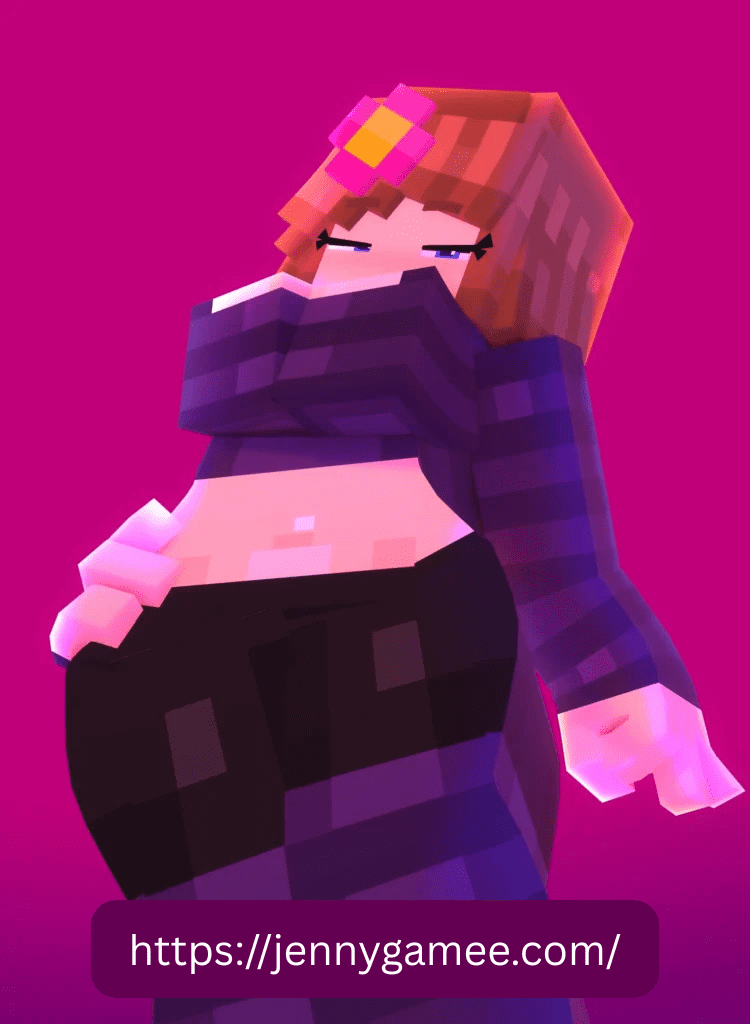
There are multiple animation types working together. Each one handles a different part of behavior. Once I observed them separately, it became easier to understand how the system works.
Movement animations (walking and running)
Movement animations handle basic travel. I noticed that walking includes proper leg motion and balance. Running feels faster and more dynamic, with visible changes in posture. This makes simple movement more engaging.
Idle and AFK animations (resting, sitting, reactions)
When the character is not moving, it does not freeze. I saw small actions like looking around, sitting, or adjusting posture. These idle animations keep the character active even without input. It removes the feeling of inactivity.
Combat animations (attack and defense actions)
Combat is not just swinging a weapon. I noticed clear attack motions and defensive actions. Characters move their arms properly and react to hits. This makes fights feel more connected compared to default combat.
Interaction and emotion animations (facial expressions and mood)
Interaction is where animation stands out the most. I saw facial expressions change instantly based on actions. Smiling, reacting, or showing emotion happens in real time. This creates a direct link between player actions and visual response.
Character-Specific Animation Styles
Not all characters move the same way. Each one has a slightly different style, which keeps the experience from feeling repetitive.
Jenny’s unique animation behavior
Jenny has the most detailed animation set. I noticed smoother transitions, more expressions, and stronger reactions. Her animations feel more complete compared to others.
Ellie and Bia animation differences
Ellie and Bia move differently. Ellie feels more relaxed with slower motions, while Bia shows more active behavior. These differences make each character feel distinct.
Why each character moves differently
Each character is designed with its own movement style. I noticed that this prevents duplication. Instead of copying one animation set across all characters, the mod gives each one a separate identity. This adds variety without changing gameplay systems.
Cutscenes and Special Animation Events
After playing for a while, I started seeing moments that didn’t feel like normal movement. These are cutscenes and event-based animations. They don’t happen all the time. They show up only when certain conditions are met, which makes them stand out more.
What cutscenes are in Jenny Mod
Cutscenes are short animation sequences that play automatically. I noticed the camera and character behavior change together. It feels more like a small scene instead of regular movement. These moments are designed to show special interactions.
How event-based animations are triggered
These animations don’t play randomly. I saw that they are tied to actions. Giving items, spending time, or reaching certain interaction points can trigger them. Once the condition is met, the animation plays without manual control.
Why these scenes feel like in-game moments
Because they are rare and triggered, they feel important. I noticed that they break the normal flow and create a moment that feels different from standard gameplay. This makes them more noticeable and memorable.
How Animation Triggers Work
Animations are not always active by default. They depend on triggers. Once I understood the triggers, it became easier to control when certain animations appear.
Item-based triggers (gifts and reactions)
Some animations activate when you use specific items. I saw that giving items like valuable resources causes immediate reactions. The character responds visually, which makes the interaction feel direct.
Relationship level and animation changes
The more you interact, the more animations become available. I noticed that early interactions are simple, but over time new reactions unlock. This creates progression without using levels or stats.
Command-based animation control
In some cases, commands can trigger animations directly. I used this to test different reactions without waiting. It gives control over when animations play, especially useful for testing or recording.
Expression and Reaction System
The expression system is what makes animations feel connected. It is not just movement, it is how the character reacts visually.
Facial expressions (smile, mood changes)
I noticed that facial changes happen instantly. Smiles, neutral looks, or negative reactions appear based on actions. This makes interactions easier to understand without text.
Body and hand movement details
Small details like hand movement and posture make a difference. I saw that gestures change depending on the situation. These details make the animation feel more complete.
How reaction timing makes characters feel alive
Timing is important. Reactions happen right after actions, not with delay. I noticed this creates a natural flow. It feels like the character is responding in real time instead of following a script.
Jenny Mod GIFs and Gameplay Clips
A lot of players don’t just play the mod, they share what they see. That’s where GIFs come in. I found them useful to understand animations quickly.
What Jenny Mod GIFs are used for
GIFs are short loops that show specific animations. Players use them to highlight reactions, movements, or special scenes. They focus on visual moments rather than full gameplay.
Capturing animation moments during gameplay
While playing, I noticed that interesting moments happen unexpectedly. Recording those moments and turning them into clips helps capture them. This is how most GIFs are created.
Why players share animation clips
Players share clips because animations are a key part of the experience. Showing these moments helps others see how the mod looks without installing it. It also highlights unique reactions.
Recording and Creating Jenny Mod GIFs
Creating GIFs is not complex. I tried this process and it follows a simple flow from recording to conversion.
Recording gameplay using tools like OBS Studio and Medal
Recording tools capture gameplay in real time. I used basic screen recording to save moments. Tools like OBS or Medal make it easy to record without affecting performance.
Converting clips into GIFs using Ezgif or Giphy
After recording, the video can be converted into a GIF. I uploaded clips to online tools and trimmed them. This turns a longer video into a short loop.
Optimizing clips for smooth playback
To keep GIFs smooth, I adjusted length and size. Short clips load faster and loop better. I noticed that simple edits improve how the animation looks when shared.
Sharing and Discovering Jenny Mod GIFs
Once GIFs are created, they are shared across communities. This is where most players discover new animations.
Where players share GIFs (Discord and Reddit)
I found most clips shared on Discord servers and Reddit threads. These platforms allow quick sharing and feedback from other players.
Finding new animations through community posts
By browsing community posts, I saw animations I hadn’t triggered myself. This helps discover new reactions and scenes without searching manually.
Using GIFs to explore animation variety
GIFs show small parts of the animation system. Watching different clips gives a broader view of what is possible. It helps understand the range without testing everything.
Why Animations Matter in Jenny Mod
Animations are not just visual extras. They define how the mod feels during use.
Making characters feel alive
The biggest impact is realism. I noticed that movement and reactions make characters feel active instead of static. This changes how you interact with them.
Replacing static NPC behavior
Default NPC behavior feels repetitive. With animations, I saw that characters behave differently over time. This removes the static feel.
Improving overall visual experience
The visual layer becomes stronger. Even without changing gameplay systems, animations make everything look more detailed. This improves how the mod feels during play.
Frequently Asked Questions About Jenny Mod Gameplay and Access
These answers explain how Jenny Mod works inside Minecraft, including safety, access, and real in-game behavior. Each answer is direct so you don’t rely on guesses.
Is the Jenny Mod safe for kids?
No. This mod is made for adults. It includes mature themes and interaction systems that are not suitable for younger players. If someone is underage, it should not be used without proper checking by parents or guardians.
Why can’t I find Jenny in my world?
Jenny does not spawn randomly like normal mobs. You need to locate a specific house structure with a pointed roof. That structure acts as her spawn location. Once you find it, she will be inside and ready for interaction.
Do I need a powerful PC to run this mod?
Not necessarily. If your system can run normal Minecraft smoothly, it should handle this mod. However, due to smoother animations and extra behavior systems, older laptops may experience slight lag if graphics settings are high.
Can I play this on my Xbox or PlayStation?
No. This mod is designed for PC, mainly Java Edition. Consoles like Xbox and PlayStation do not support this type of custom mod in a direct way. A computer is required to install and run it properly.
How do I make Jenny follow me?
You need to interact first using items. Giving gifts like flowers or diamonds increases interaction level. Once that condition is met, she starts following you automatically. This is part of the interaction and progression system.